Joomla only 4 5 6

more Newsticker element

for YOOtheme Pro

1 1 1 1 1
Rating 0.00 (0 Votes)

This plugin adds a newsticker to YOOtheme Pro.

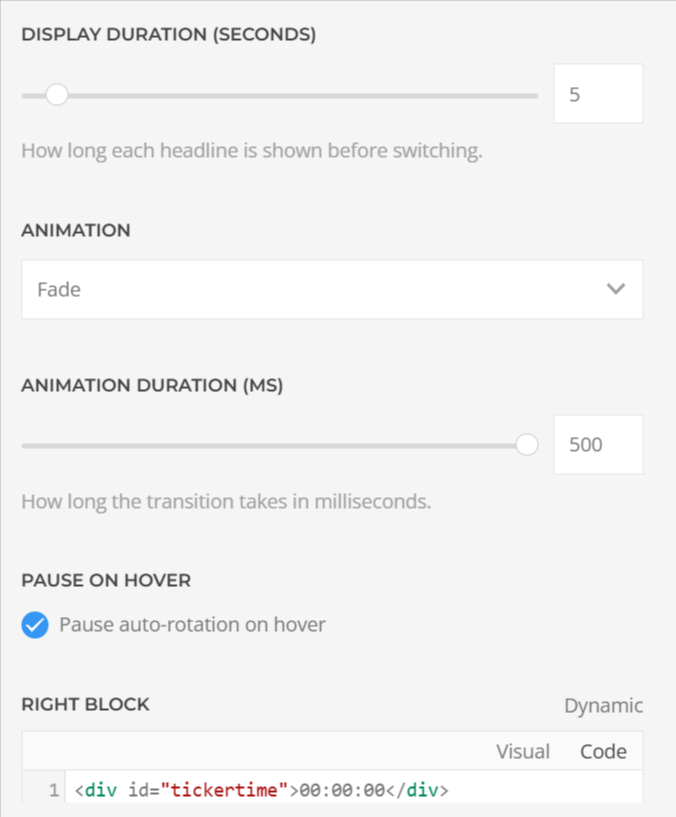
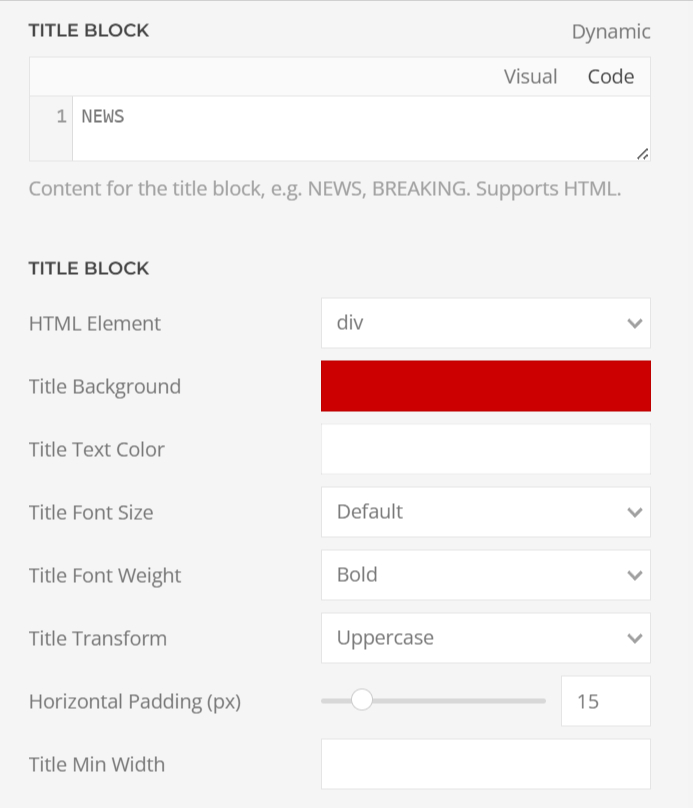
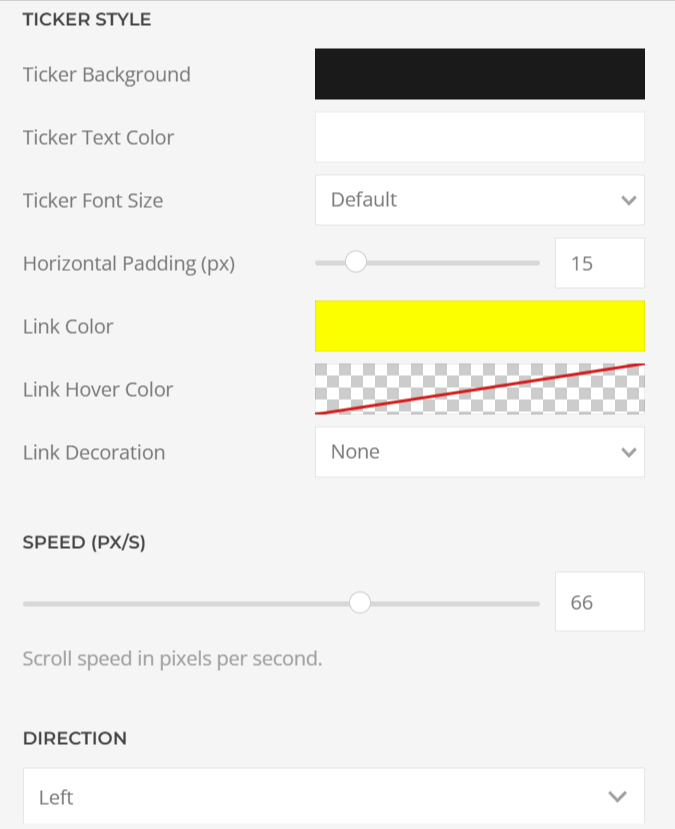
You can switch between fading and scrolling animations and also define the boxes left and right in detail. With the power of dynamic content more Newsticker will become the new eye-catcher of your latest articles or products.
Demo

Scrolling animations in different speeds, borders, rounded borders and additional block.

NEWS

moreJoomla.com released a new YOOtheme Pro builder element

+++

more Newsticker proofs: Your eyes can't look away from this

+++

Get the more Newsticker element NOW

+++
NEWS

moreJoomla.com released a new YOOtheme Pro builder element

+++

more Newsticker proofs: Your eyes can't look away from this

+++

Get the more Newsticker element NOW

+++
00:00:00

NEWS

moreJoomla.com released a new YOOtheme Pro builder element

+++

more Newsticker proofs: Your eyes can't look away from this

+++

Get the more Newsticker element NOW

+++
NEWS

Fading animations in different speeds, borders, rounded borders and additional block.

NEWS

moreJoomla.com released a new YOOtheme Pro builder element

more Newsticker proofs: Your eyes can't look away from this

NEWS

moreJoomla.com released a new YOOtheme Pro builder element

more Newsticker proofs: Your eyes can't look away from this

00:00:00

NEWS

moreJoomla.com released a new YOOtheme Pro builder element

more Newsticker proofs: Your eyes can't look away from this

NEWS

And of course with the power of dynamic content

FAQs

Is dynamic content possible?

Yes, simply add the first item and configure dynamic content as usual.

How can I add the time?

Simply add this code into the left or right content box:
<div id="tickertime">00:00:00</div>
<script>
function updateTickertime() {
const now = new Date();
const options = { hour: '2-digit', minute: '2-digit', second: '2-digit' };
const timeString = now.toLocaleTimeString('de-DE', options);
document.getElementById('tickertime').textContent = timeString;
}
updateTickertime();
setInterval(updateTickertime, 1000);
</script>

FAQs

Changelog

Version 1.0.0

  • addition
    initial release
Changelog